Push is the cheapest marketing
SMS costs money and often goes unread; push is free and immediately visible. Promotions, order status and reminders land in one tap.


Mobile app / iOS and Android
Not the price of two separate apps — the price of one. We build in React Native: a single codebase ships to iOS and Android, both behave identically, and updates reach both platforms at once.
What is a mobile app?
A mobile app is a program installed on a phone that can send push notifications and use the device's capabilities — camera, GPS, offline mode and more.
A mobile app differs from a website in two ways: it sits permanently on the phone screen and it can send push notifications. The customer does not have to look for you — you remind them. It also taps into the device itself: camera, GPS, scanning, offline mode and fingerprint login.
But not every job needs an app. If customers visit once a month, a responsive website or a PWA is enough. An app earns its keep with repeat usage: delivery, banking, education, health, loyalty programmes or a working tool for staff.
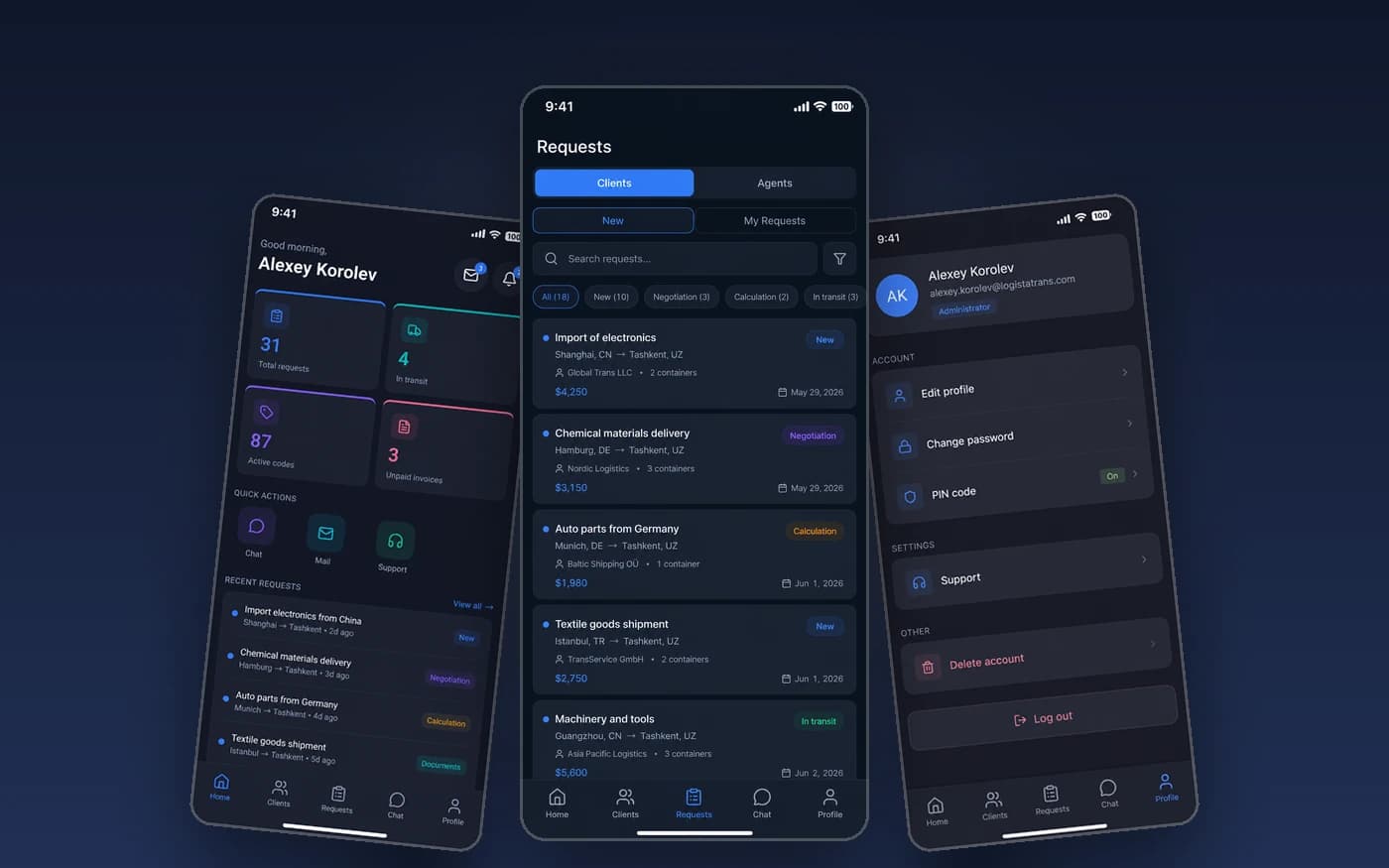
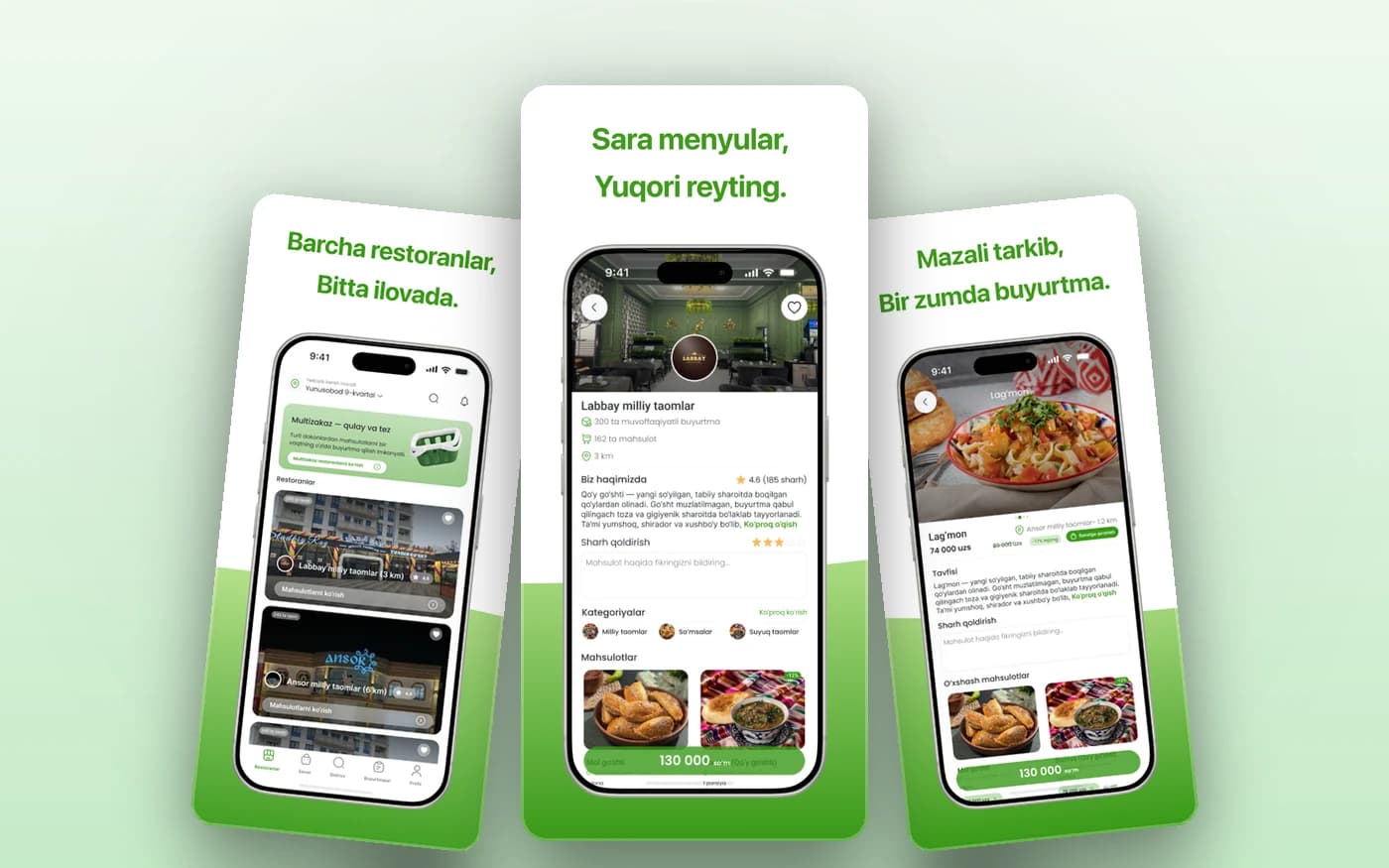
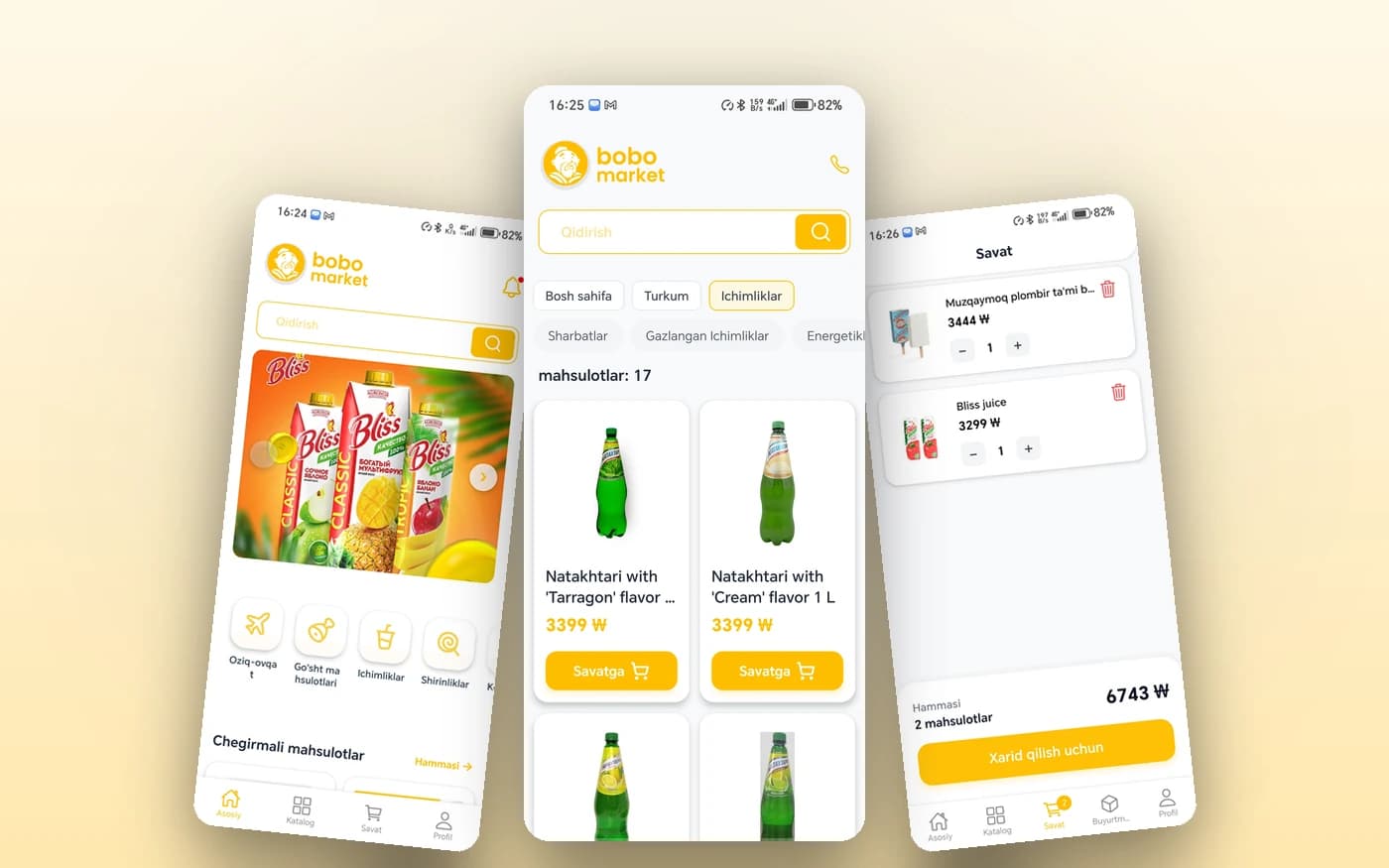
Innosoft Systems works in React Native. That means no two separate teams and two budgets for iOS and Android — one codebase ships to both. The apps in our portfolio (Logistatrans, Besh Market, Bobo Market, Anibla) were built exactly this way.
In short
Why businesses with repeat customers move to an app:
Why you need one
An app is not another channel — it is a retention tool.
SMS costs money and often goes unread; push is free and immediately visible. Promotions, order status and reminders land in one tap.
A customer with your app installed does not search for you — they tap the icon. The share of repeat orders is markedly higher than on a website.
Camera scanning, GPS delivery tracking, offline mode and fingerprint login — none of it possible in a browser.
React Native ships iOS and Android from one codebase. The budget does not double and updates land on both platforms at once.
The interface feels native on a phone: smooth animations, cached data and comfortable use even on slow connections.
Being on the App Store and Play Market signals seriousness — proof to customers that the company is here for the long run.
Who orders one
Cases where customers or staff use the system frequently and repeatedly.
Catalogue, cart, payment, order tracking and promotions via push.
An app for drivers and couriers: routes, GPS, document scanning and status updates.
Lessons, video, tests, attendance and homework reminders.
Appointments, test results, medication reminders and contact with doctors.
Bonus points, digital cards, personalised offers and bookings.
Shifts, attendance, tasks, warehouse scanning and field-staff reporting.
Examples
All in React Native: one codebase for iOS and Android, live on Play Market.
Pricing
In every plan the price covers iOS and Android TOGETHER — the price of one app, not two.
Start
App with core functionality
45,000,000UZS and up
3–4 months
Shipping a first app and testing it on the market
Choose StartBusiness
A full product
90,000,000UZS
5–8 months
Complex apps with payments, integrations and multiple roles
Choose BusinessEnterprise
Custom solution
On request
Project-dependent
High load, native modules and complex integrations
Request a quotePrices are for 2026; the final quote is confirmed after a free analysis and once the feature list is agreed. Payment is staged by sprint. Developer account fees (Apple $99/year, Google $25 one-off) and cloud costs are paid to the providers separately.
What's included
These are not paid add-ons — they are in the base plan too.
Process
We work in sprints — every two weeks you install a build on your own phone.
We define who the user is, what the app must solve and what goes into the first release.
Every screen in Figma. You try the interactive prototype on a phone and changes are made before code is written.
Database, API and admin panel are built. If you already have a system, we connect to it.
Screens are built in sequence. Every two weeks we give you a test build for your phone.
Verified across phone models, connection speeds and scenarios, with defects fixed.
We publish to the App Store and Play Market, pass moderation and configure updates.
FAQ
Short answers to the questions we hear most about mobile apps.
In a free consultation we tell you honestly whether you need an app or a website will do, then fix an exact price and timeline. No obligation.